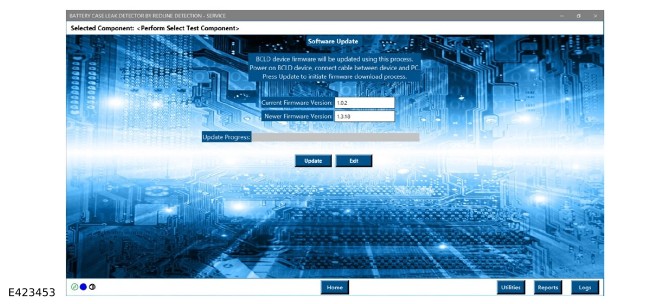
Battery Case Leak Detection (BCLD) Unit Software Update Instructions (G4843127)
To support software updates to the Battery Case Leak Detection (BCLD) (JLR-415-159) and to enable functionality of the JLR NanoLeak FIND tester (JLR-415-204) follow the software update instructions.
Any existing BCLD software must be removed or uninstalled before installing the latest software version.
Step 1
From the TOPIx Links Page, download the Redline JLR-415-159 Electric Vehicle (EV) pressure Tester installation package.
The latest software level of 1.8.4 or later must be installed.
Step 2
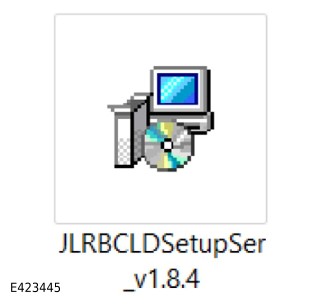
When the download has completed, navigate to the installer package and double click on the installer.
Complete all on-screen instructions for the software to be installed on the JLR approved diagnostic equipment.
Step 3
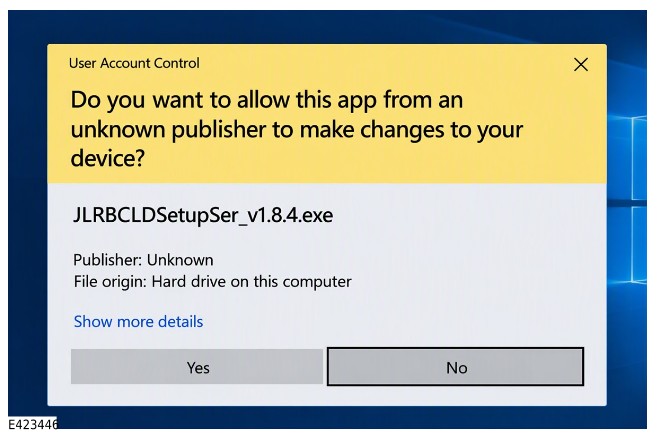
Allow User Account Control access on the JLR approved diagnostic equipment by selecting Yes.
Step 4
Select Next from the BCLD - Service Setup Wizard window.
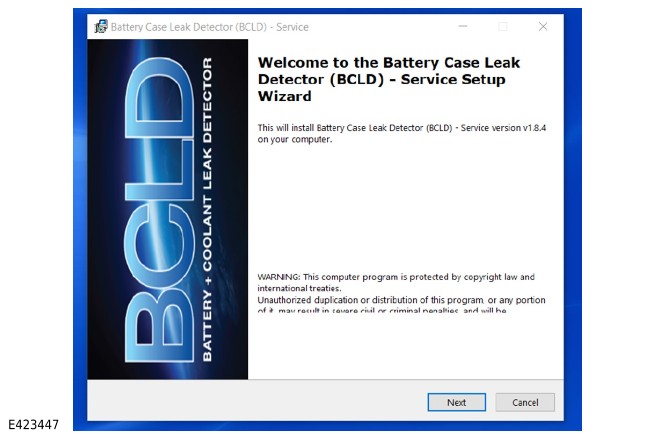
Step 5
Complete all the on-screen instructions for software to be installed on the JLR approved diagnostic equipment.
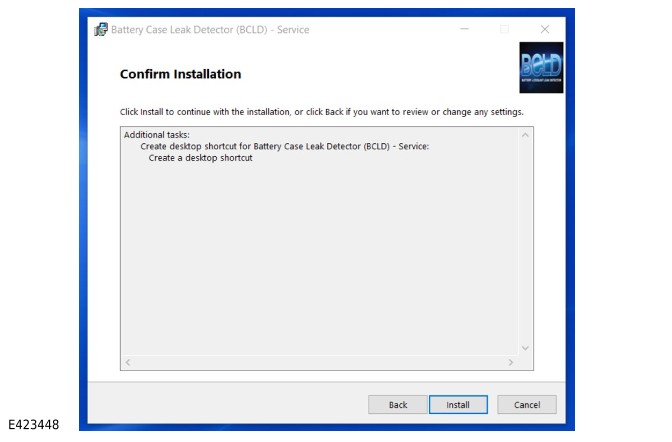
On the Confirm Installation screen, select Install.
Step 6
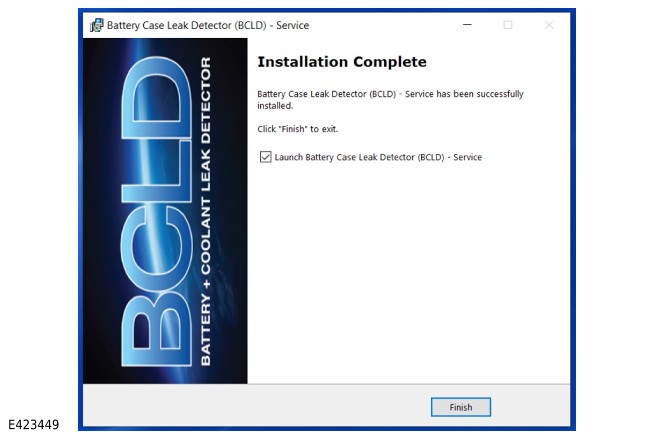
Select Finish to complete the software installation.
The updated BCLD software is now ready for the next steps.
Step 7
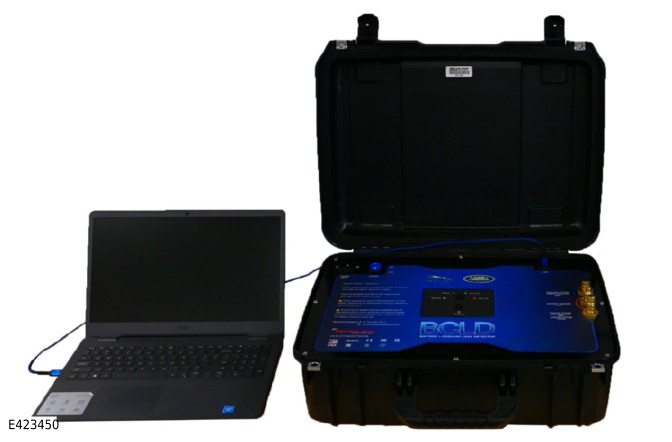
Connect the JLR approved diagnostic equipment to the BCLD using a suitable Universal Serial Bus (USB) cable.
Connect the BCLD into an electrical outlet for power and turn the BCLD main switch to the ON position.
Step 8
Allow the BCLD to power up.
The blue Light Emitting Diode (LED) on the BCLD will indicate when it is powered up.
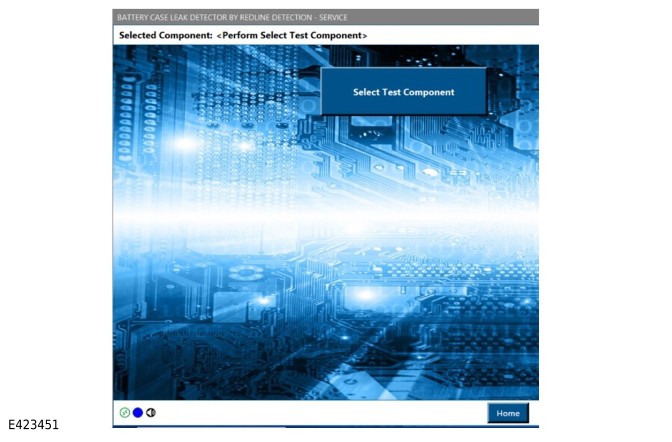
Successful connection to the JLR-approved diagnostic equipment application is indicated by activation of the Select Test Component button and the connection indicator changing to green in the lower-left corner of the display.
Step 9
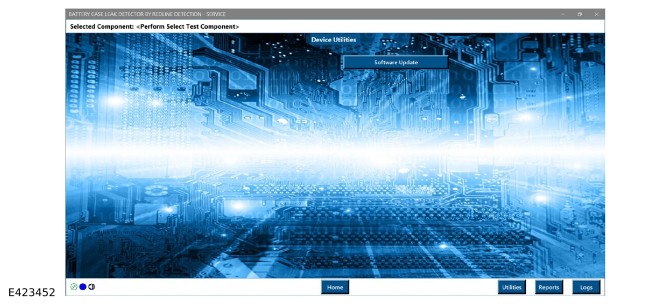
Select the Utilities icon in the lower right corner of the display, and then select the Software Update icon.
Step 10
From the Software Update screen, select Update to begin the firmware update process. The firmware version must be 1.8.4 or later.
Do not power off the BCLD during the firmware update process.
The software installation is complete. The JLR NanoLeak FIND Tester can now be used for diagnostic and service operations